Showing posts with label render. Show all posts

Thursday, January 10, 2013

Several Cool Updates

Hi again, everyone! Remember how last time I said I really wanted to focus on my modeling, texturing, and lighting skills? Well, I just got done doing a lot of practice with those last two. I went through an intense learning weekend where I learned a lot about composition, lighting, and Cycles. In fact, I learned so much that I decided to update all of my old models (except for the Bunny and Bobcat). I've given them all new materials to allow them to render in Cycles, and I've exported them all into .fbx format! I'm especially excited about that last part, because now I can use one of my favorite rigs, my great white shark, in Maya!

I'm also very excited about the updates because of how snazzy all my models look with their new materials and Cycles' better way of rendering. I don't know why I stuck with Blender Internal for so long, I should have switched to Cycles the day it came out! Anyhow, I thought you all might be interested to see the contrast between my old renders and my new renders of the same models. Keep in mind that a lot of the sub-par quality of the Blender Internal renders comes from me just not knowing enough about materials and lighting, something that I've improved on a lot (though I've still got tons to learn). I know of many people who can make stunning renders with Internal, so it's not like it's a bad renderer.

Anyway, here are the images! Old images on the top, new images on the bottom.

Great White Shark

I tried to recreate the pose of the original. I love how the lighting in the new one shows off the shark's jaw musculature.

Queen Anne Wing Chairs

 I didn't like how the old version had no feeling of presence. I used what I learned about composition and focal length (I went a bit lower than the traditional 35 mm) to create a much more impressive looking scene in the new version.

Jade Canine 
This is the only case where I still really like the Blender Internal version. A lot of jade does look like the new version, just like a lot looks like the old version, but I just think all the color variation in the old version looks cool.
Cartoony Hammerhead Shark 

 
I like how the highlights are more defused in the new version. I changed the pose to point the other direction because I realized having it point the other way was pointing the viewer away from the next images.

 Screwdrivers and Screws
 These renders are probably the most similar of the bunch. But I think the bottom one has better lighting and a better composition.

Wine and Bar Glasses 
Major change with this one. The biggest is probably the end of the dark blue lighting. And the bottles have some nice reflections going on.

So that's it! Now that I've finished this, I'm going to go back to making new models. I don't think I'll set them up for Blender Internal anymore, though. I read that development on it was discontinued years ago, anyway.

As always, you can get all of these models here, but now you can get them in FBX format, along with the usual OBJ and BLEND.

Until next time!

Monday, December 31, 2012

Cartoony Hammerhead Shark

Hi again, everyone! I'm on winter break now after having finished a great online semester at the Academy of Art University. So that means I've got the time to make a lot of new things to show you all!

My first completed winter break project is my Cartoony Hammerhead Shark model. It's not rigged because I plan to take this month to really focus on my modeling, texturing, and lighting skills. I'll be doing animation practice, too. I got Tangled and Kung Fu Panda 2 on DVD for Christmas, which means I've been able to go through them frame-by-frame and try to figure out what makes them great. But this post is supposed to be about my new hammerhead shark. By the way, he's unique in that he's the first model I've textured for both Blender Internal and Cycles. All you have to do is turn the nodes on and off to switch between renderers. Anyway, here he is!


Here are some wireframes.

 And a turntable.


As always, you can see more images and download him in .OBJ and .BLEND formats here.

Until next time!

Thursday, November 8, 2012

New Models- Screwdrivers and Screws

Sorry for the lack of posts lately. As those of you who follow me on other sites may know, a lot has happened in the last few months. I transferred out of the Savannah College of Art and Design to the Academy of Art University (which I am doing completely online) and also adopted a new dog, a Basset Hound mix named Corey. Both were great decisions, but more on them in another post.

Today I just wanted to show you guys my newest models. I haven't been able to make much personal work, CG or otherwise, lately because of adjusting to a new college and then adjusting to a new dog. But things have started to fall into a more predictable sort of schedule, so I was able to find the time to make these models.

Blender CG Screwdrivers and Screws


I made a slotted screwdriver (AKA flat-head), a Phillips screwdriver (AKA cross-head), a slotted screw, and a Phillips screw. The screws are accurately sized to the screwdrivers.

CG Phillips ScrewCG Slotted Screw
CG Phillips Screwdriver
CG Slotted Screwdriver
CG Phillips Screwdriver Wireframe
CG Phillips Screw Wireframe

While these may not be that exciting to look at, they were rather challenging to make. On top of simply re-learning Blender yet again (I keep forgetting things as I continue to use Maya for school), I also had to learn about the screw modifier, hard surface modeling, and how to make the Phillips tip. Also, I tried to pay a lot of attention to the materials and rendering. I really want to improve in those two areas because no matter how well made a model is, its materials, textures, and rendering will decide how nice it actually looks as a finished product.

As usual, you can get these models on TurboSquid in .obj and .blend formats. They are packaged as a set.

Until next time!

Thursday, July 19, 2012

CG Program Recommendations

Welcome to the final part of this three part series of art supply/program recommendations. Last time, I covered digital art programs. Before that, I discussed traditional art supplies. This time, I'm going to cover CG programs that I've had some experience with. I'll be gearing my recommendations more toward how the programs are at making still renders, though I may mention their animation capabilities a bit. Here we go!

CG/3D Programs
There are multitudes of CG/3D programs out there (you'll find people sometimes use CG and 3D interchangeably, since they have come to mean pretty much the same thing). Now while there are lots of CG programs, many by big companies, anyone who's done a quick search will know that there are a few main players. Two of these are the main ones that colleges seem to acknowledge (Cinema 4D and Lightwave aren't on any of my college's computers). The third is one that everyone knows is a strong competitor, though I guess it hasn't become "industry standard" enough to get into college classes. So first, the industry standard ones.

Maya
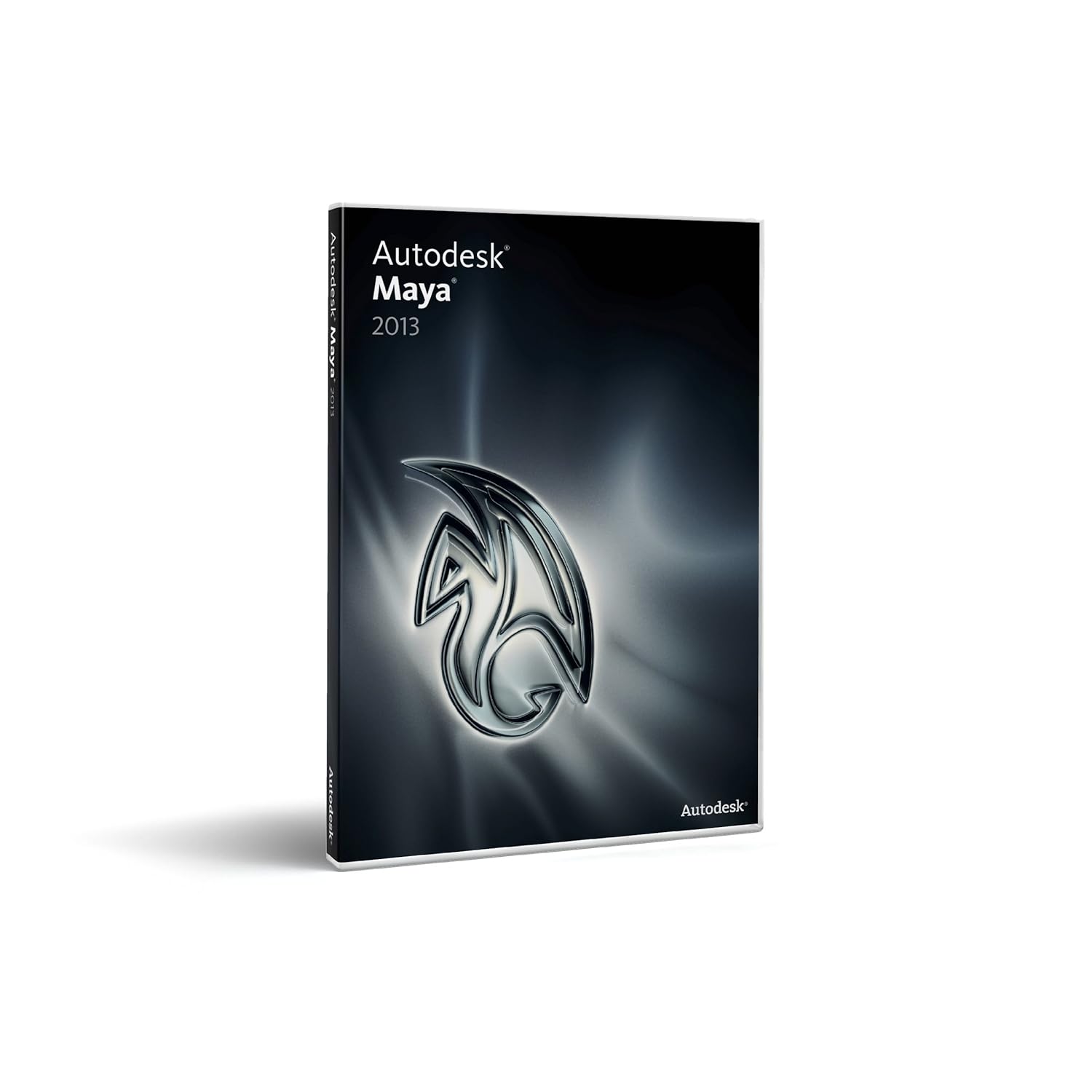
Autodesk MayaIn my current universe, Autodesk Maya holds the title of Queen of All Things CG. Every CG class I've had so far used it, there are tons of tutorials, tons of websites, and tons of examples of it being used to make films. It can be buggy at times, but patches eventually come out and all is the right in the CG world again. I personally love animating in it (more so than animating in Blender), but I currently like modeling in Blender more. This could just be because I've spent more time practicing animating in Maya and more time practicing modeling in Blender. All in all, I think it's an awesome program. If you're a student, check out my post on how to get Maya for free. Because it costs thousands, if you're a hobbyist, I suggest you start with Blender. And if you've been using free programs and want to move up to an industry standard you can get Maya on Amazon and from Autodesk (the $500 difference is a subscription fee that you'd have to get after purchasing the program from Autodesk, so the prices are actually the same). Keep in mind that often there are only small differences between the versions (they do come out every year), so you may want to consider buying an older version to save some money.

3Ds Max
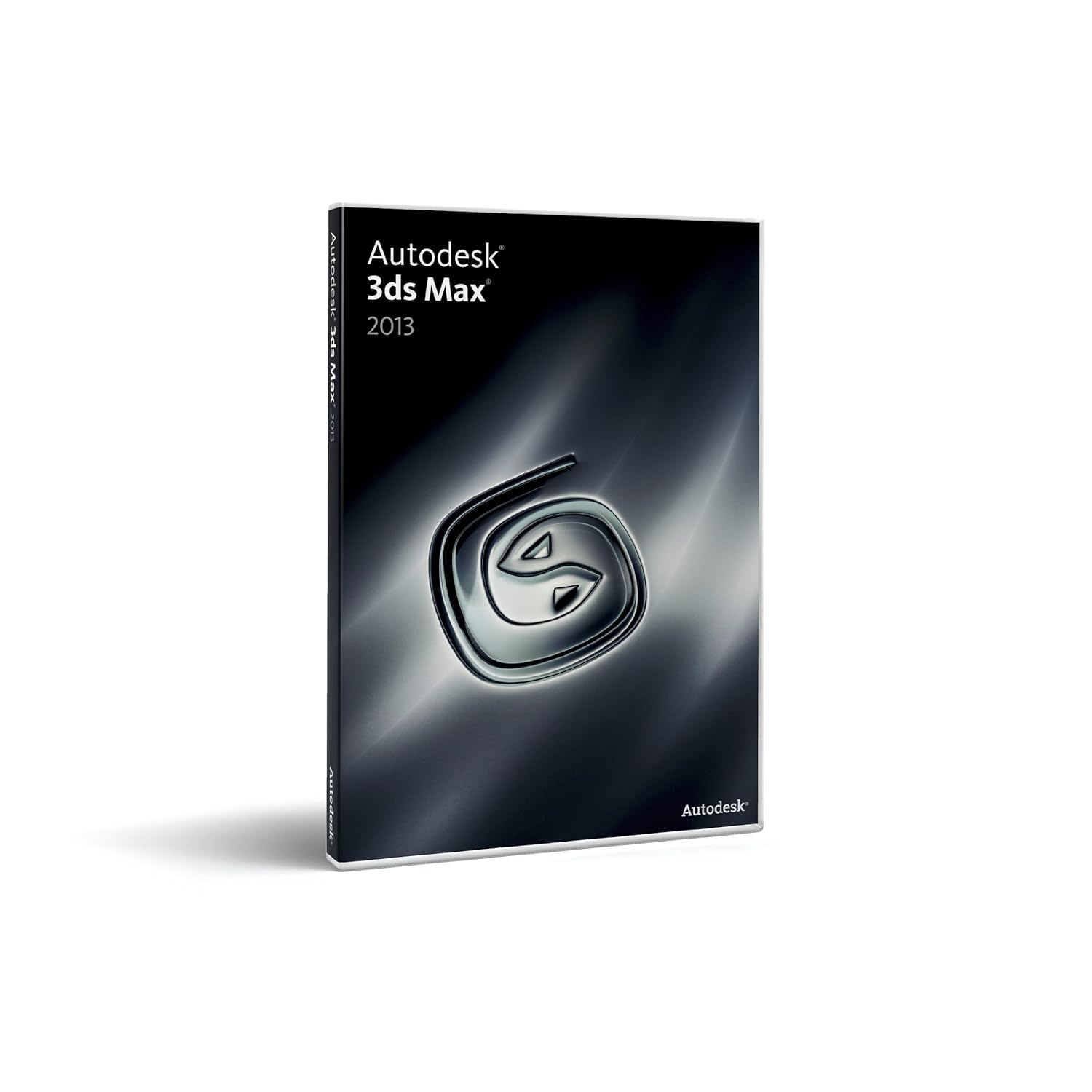
Autodesk 3Ds MaxAutodesk 3Ds Max is another great CG program (I've played around with it a bit). I think that the reason people often have trouble deciding between Autodesk Maya and Autodesk 3Ds Max is that they are both all-in-one CG programs from the same company. Why Autodesk has such similar programs, I don't know. I actually truly don't know the difference between them. The way I've always understood it is that Maya is used more often for movies, while 3Ds Max is used more often for games. Of course, there are many exceptions to that. Whatever it's made for, people seem to love 3Ds Max, so I suppose I recommend it if you find something that it does that Maya can't do (or if you're going to focus on games). You can get it on Amazon and from Autodesk.

Blender
Blender
This is one of the biggest CG programs out there, and it's totally free. I used it for several years before getting into college and being eligible for the free version of Maya. I still use it often now. It may not be "industry standard" but it certainly could be. The Blender Foundation has shown that a number of times with its animated shorts, and many professionals and small studios use it for commercials and other such things. I actually know of a couple of people who left the industry standard programs mentioned above for Blender.It has fur/hair, cloth, fluids, and all those other things you find in the "professional" programs. It also has a lot of tutorials available, including books and DVDs. On top of that, it has a built in video editor, so you don't even need something like Adobe After Effects to finish your animations off (you need After Effects, or something similar, if you render animations out as individual frames, which is recommended opposed to rendering single video files). You can use the Blender video editor with videos and frames from other sources (so you could use it with Maya or 3Ds Max). You can get Blender here.

Mandelbulb 3D
Mandelbulb FractalThis free 3D fractal program is kind of a digital art program and CG program rolled into one. You interact with 3D fractal objects, and have to render your image out like you do in a CG program, but it's not as functional as a true CG program. You can't import models (though I've heard a few ideas about exporting models), and coloring and lighting abilities are somewhat limited. Also, navigation in 3D isn't that easy. But given that it was made by one person (Jesse of fractalforums.com) and is free, it's pretty awesome. It's functional enough for tons of people to be making beautiful 3D fractal art with it right now, and I'm sure that it'll continue to grow. I've used it quite a lot recently, and am looking forward to working with it more in the coming months. You can get it for Windows here (this is the one I use), and a similar program called Mandelbulber for Linux, Mac, and Windows here.

DAZ Studio
DAZ Studio/Poser
I've never tried Poser, but I have DAZ Studio. I know that there are some people out there who love those programs, and there are some people out there who don't think renders made with them deserve as much attention as they get. This isn't because the programs are bad, they are actually great, but the problem is that you are using pre-made content. With Maya, Blender, etc. you make your own stuff from start to finish, then render it. With DAZ and Poser, you buy stuff from the companies, arrange and pose it (though you can buy poses too), then render it. You're not relying on your own modeling, texturing, and rigging skills. Some great renders can be made with these programs (I get the DAZ newsletter, and there are always stunning renders making up the ads). However, because it is so simple and user friendly, a lot of people seem to feel they don't need to work with their images as much, creating a lot of bland, obviously CG images out there. Because it is not an all-in-one CG program like Blender or Maya, I think they approach it from a more playful mindset and feel that they don't need to read up on fancy texturing and lighting techniques. Of course, there are many exceptions to this rule (I've come across some great renders on deviantART).

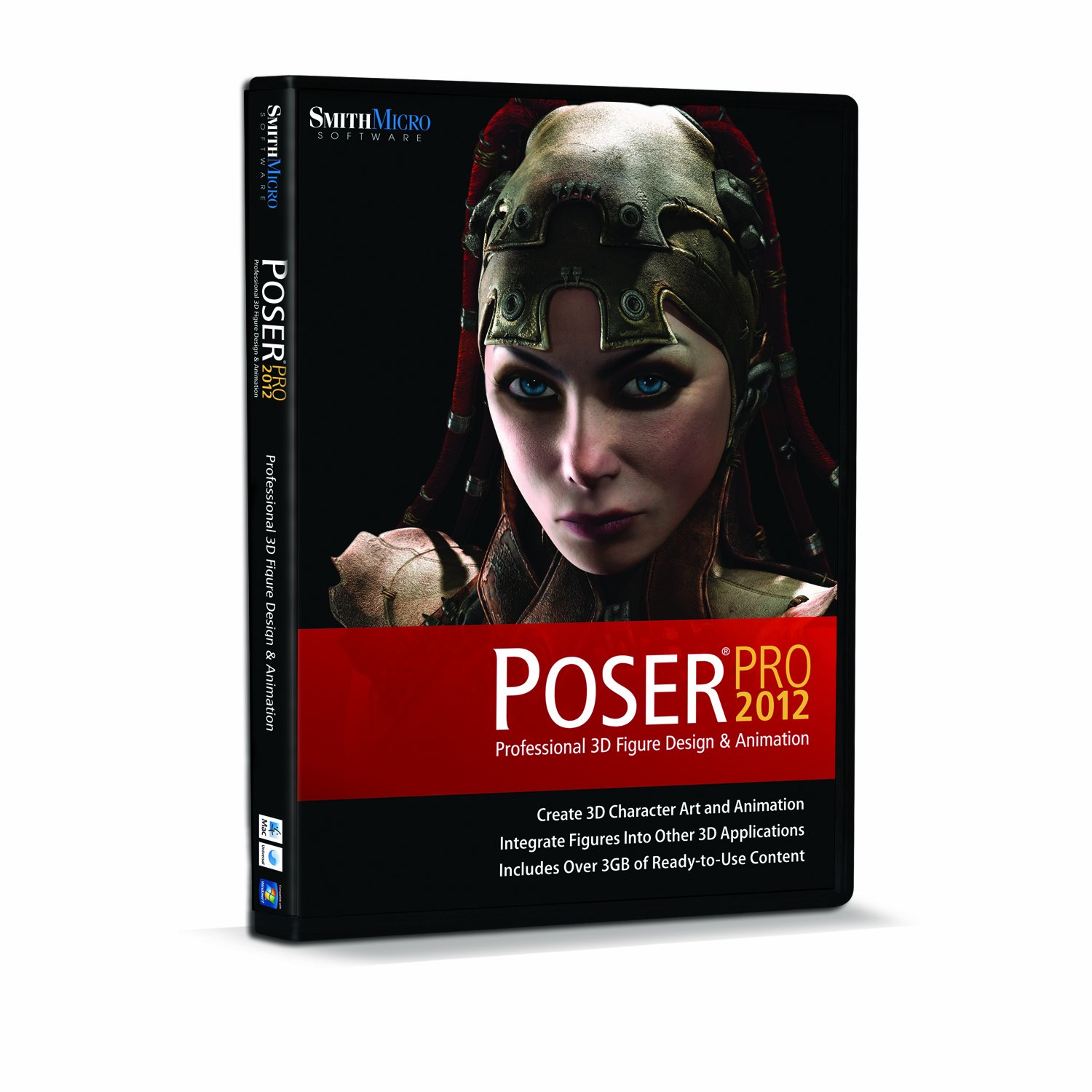
PoserSo with all that said, do I recommend these programs or not? The answer is yes and no. Yes, if you are just a hobbyist and don't mind having to pay every time you decide your character needs a new outfit or a new hairstyle (you can find some free things, both from the companies and from users, and you can customize the models in other CG programs). These programs can be a great introduction to CG and can teach you how to effectively pose, set up appealing compositions, and appropriately light your scenes. Also, they can be helpful if you need a drawing reference for a pose but can't find any stock footage (I occasionally use DAZ for this). I do not suggest them if you plan on becoming very serious about CG. They are not used in any visual effects houses, so knowing them isn't much of a plus on your resume. Also, it's much more impressive (I think) to show off something that is wholly your own, made from scratch. Lastly, unless you start customizing the models, you may become constrained by what is available for you to buy. And if you're customizing the models, you might as well take the next step and start making your own things from scratch. You can get DAZ Studio here for free, Poser 9 here and Poser Pro here . Be aware that these are not good animation programs (at least DAZ isn't, because I've tried). They are very simplistic when it comes to animation (annoyingly so, I think). Many of the awesome animations you may see on Youtube come from people buying motion capture animations from the companies and applying them to their characters.

Renderers
NOX rendererOnce you get comfortable with a CG program, you may decide to go find different renderers. This is not at all required to make great CG art, since all the programs tend to ship with awesome renderers already installed. But it never hurts to try some new ones out, because you may find some that you like better. The only ones I've ever used were YafaRay and Luxrender for Blender, but that was back before Cycles came out. I don't know how necessary they are now, because of Cycles, so I'm not going to actually recommend any renderers. However, here are some that I know of that seem worth a look: YafaRay (for Blender), Luxrender (Blender, 3Ds Max, SketchUp C4D, Daz Studio, XSI, and Poser), Aqsis (for many programs I think, though I think you may need the MOSAIC plugin for Blender), Pixar's Renderman (I think it works with most all the big CG programs, and I've seen it on Maya in my college), and NOX (3ds Max, Blender).

So, that's the end of this series of recommendations! I hope it has been helpful. As always, if you agree or disagree with my recommendations, leave me a comment! In my next post, I'm going to cover how to sketch animals. You can see some of my sketches on my Tumblr.

Until next time!

Saturday, July 14, 2012

A Bobcat That was 2 Years in the Making

I've finally finished making Bobby the Bobcat! For a while I thought he'd never be complete. But I've learned that while it may look like I abandon some projects, I always come back to them eventually. This goes for 2D art and CG work. I just can't stand starting something and not finishing it. But I think 2 years is the most I've let anything drag on. I think I let it go on for so long because school made me forget about him and college kept me too busy to work on him. But now that it's summer break I've been able to relearn/remember everything that I forgot about Blender (since I had been using Maya so much in college) and I was finally able to finish him. The confidence boost I got from my cute bunny turning out well also helped.

Here's a render of Bobby:
Bobby the Bobcat Render

And a turntable:


And finally, here's his walk cycle:

He's a lot of fun to work with! I can't wait to do some more serious animations with him and with my bunny character!

You can download Bobby and see more images of him (including his wireframe and rig) here.

Until next time!


Wednesday, June 27, 2012

The Cute Bunny is Finished!

I finished my Cute Bunny model! That's what I'm calling him until I can think of a good name. Anyway, he's all rigged and tested and ready to go! He's really a lot of fun to animate! After all those problems with Bobby, it was nice to make something that didn't fight me every step of the way. Rigify helped a lot with that. I still had to adjust and add on rig pieces, but it really sped the whole process up tons.

Here are some screenshots of the Bunny, with and without his rig and jacket.

CG Bunny Rabbit Wireframe

Blender CG Bunny Rabbit

Blender CG Bunny Rabbit

Here's a new turntable:


And a walk cycle:

And finally, an example of how his jacket reacts to movement.


You should definitely expect to see more of this guy in the future. I want to try compositing him into a photo, and do some lipsync with him. I'd also like to be able to animate him with his jacket. That shouldn't be too much of a problem, render-wise, as I've set up a tiny sort of render farm! It's just this computer (my stronger 64-bit Windows 7) and my last computer (an out-of-the-box 32-bit Windows Vista). I transfer files between them with a USB stick, because I can't get the Vista online. The Vista renders slower, but it's still nice to be able to share render loads with another computer.

Anyway, if you want to animate this little Bunny, too, he is now for sale on Turbosquid.

Until next time!


Saturday, June 16, 2012

A Cute, Nameless Bunny

Hi, everyone! I've got a new character that I'm working on that I'm excited to show you. Poor Bobby the Bocat has unfortunately been put to the side again, this time perhaps forever. It seems that working on him in little spurts over two years has allowed me to create all sorts of issues, and since I can't remember how I made him, it makes it very difficult to troubleshoot. If you think you can help, you can read the details of my problem, check out the rig, and try to help through the BlenderArtists thread I started.

Unlike Bobby, the little guy I'm about to show you is completely new, and so far hasn't given me much trouble. Modeling and texturing is done, so next I'll be rigging him. Here's a turntable render of him:


I'm not sure if I'll be keeping the jacket. I'm going to have to think about it for a bit. It's not really the possible technical issues that it gives that I'm worried about, I'm just not sure if he's cuter without it.


Here's what he looks like in Blender. The jacket is wrinkled because I baked a cloth simulation, which came out very nice without going through his mesh or fur.


Here's what he looks like in edit mode (without his jacket). I had Photoshop lighten the image up so you can see his wireframe better.


So he's coming along very well! I hope to soon have some images of him with a rig. I may also soon have images related to an animated short I'd like to make, probably in Maya (I'm using Blender so much, I'm afraid I'll forget how to work in Maya, and I use Maya in college, so that can't happen).

Anyway, until next time!


Sunday, March 25, 2012

Bobby is Complete!

Well, I actually still have to do some little weight painting tweaks, so he's more like 95% complete. But that's complete enough to start making renders and animations. And the good thing is that making those will show me what areas need tweaking, so it all works out.

Bobby has a pretty advanced rig. His face is controlled by bones, which are actually drivers that control shape keys. He has IK/FK functionality for his whole body, and his tongue is controlled by bones outside of his head that can be scaled and moved about freely. In IK mode, his fingers are controlled by single bones that can be scaled to automatically curl them inward. Lastly, though this isn't really a rigging thing, his materials are set up so that he can be used with either the Blender internal renderer, or the Cycles renderer.

Here's a Cycles render of Bobby (slight post-work in Photoshop):


He's very happy to finally be out of that T pose! Here's what his finished rig looks like on the IK layer:


And here's what it looks like on the FK layer:


Here is a list of the tutorials I used. They're all very well done!

I'm really happy with Bobby! It took a week of day and night work to rig him, but it was worth it! Now to make more test poses/animations and do the final tweaks. I'm also going to make him a walk and run cycle, a lip sync animation, and probably a pantomime animation. I'll post those on here when they're done. When I'm done with everything and Bobby's completely production ready, I'll make him available on Turbosquid.

Until next time!